


Cart is empty
Hover on image to enlarge
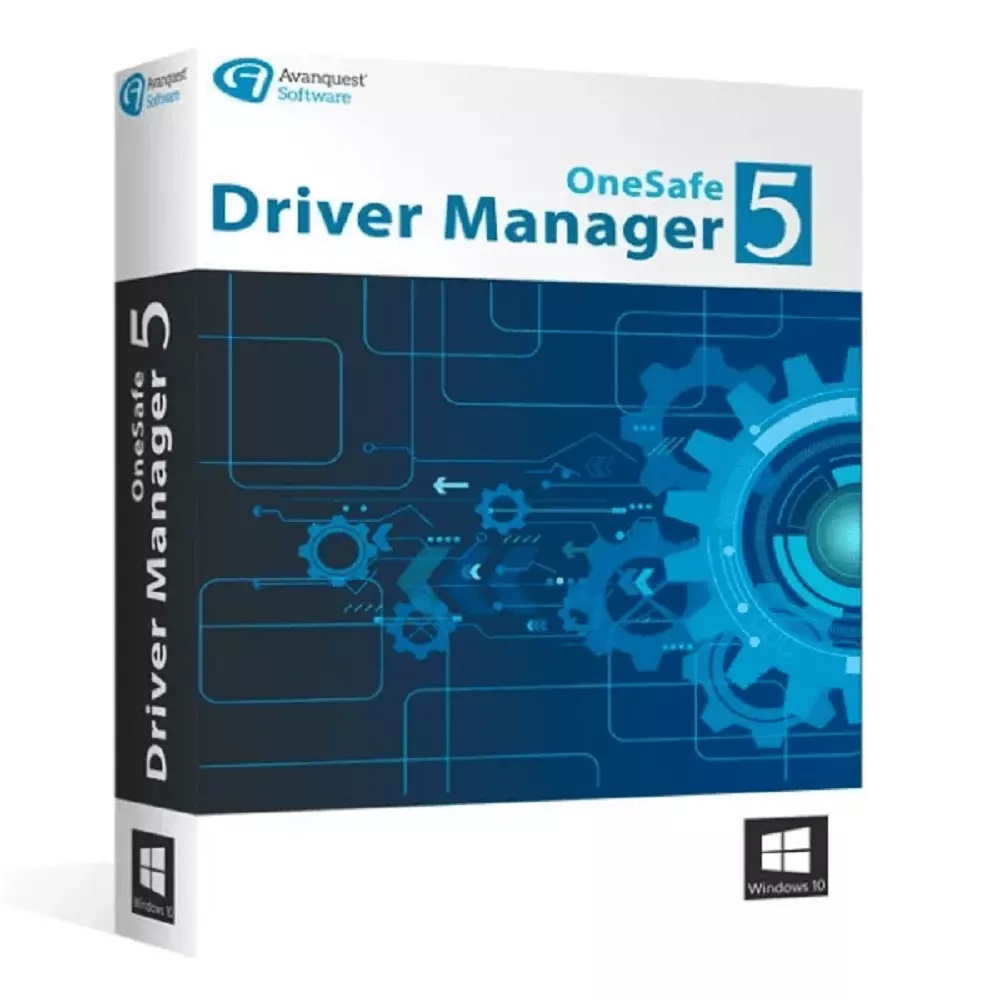
OneSafe Driver Manager 5
Obtain your own version of OneSafe Driver Manager 5 at the lowest price on our online shop.
After you successfully buy the product, you will receive by email:
- The authentic OneSafe Driver Manager 5 Key is valid for one year (12 months) from the date of activation.
- The full version of OneSafe Driver Manager 5 download link
- Instructions and guides on how to install and activate your product
- Free customer support available 7/7
The Benefits of Buying OneSafe Driver Manager 5 from us
Guaranteed Authenticity
All our softwares are 100% authentic, directly from official manufacturers.
Warranty
Enjoy peace of mind with our during the product's validity warranty, far beyond the standard 30 days.
Free Installation
Enjoy a free installation service for a hassle-free setup.
24/7 Customer Support
Our dedicated team is available anytime to assist you.
Best Prices
Get the best prices: CAD57.99!
Description
OneSafe Driver Manager 5: Overview
OneSafe Driver Manager 5 is a powerful tool designed to simplify driver management for your PC. It ensures your system runs smoothly by automatically searching, installing, and updating drivers. With a user-friendly interface and advanced features, it’s the ultimate solution for optimizing your computer’s performance.
- Automatically searches, installs, and updates drivers.
- Access to a vast database of over 600,000 regularly updated drivers.
- Real-time notifications for driver issues and updates.
- Comprehensive PC diagnostics to identify and fix outdated or faulty drivers.
- Backup and restore functionality for seamless driver migration to a new OS or PC.
Unlock the Full Potential of Your PC with OneSafe Driver Manager 5
Effortless Support for All Device Types
OneSafe Driver Manager 5 is your all-in-one solution for managing drivers across a wide range of devices. From audio and sound equipment to network adapters, printers, webcams, and even Bluetooth devices, this tool ensures every piece of hardware connected to your PC functions at its best. Whether you’re using a keyboard, mouse, digital camera, or video adapter, OneSafe Driver Manager 5 has you covered. Its versatility makes it an essential tool for both casual users and tech enthusiasts.
Advanced PC Diagnostics for Peak Performance
Say goodbye to driver-related issues with OneSafe Driver Manager 5’s comprehensive PC diagnostics. The software scans your entire system, identifying outdated or faulty drivers that could be slowing down your PC or causing errors. It doesn’t just stop at detection—it provides actionable solutions to fix these issues. You can even schedule regular automatic scans to ensure your drivers are always up to date, keeping your system running smoothly without any manual effort.
Seamless Backup and Restore for Stress-Free Transitions
Switching to a new operating system or recovering from a system crash has never been easier. OneSafe Driver Manager 5 lets you back up all your drivers as executable files, ensuring a quick and hassle-free restoration process. The built-in migration assistant takes it a step further by analyzing your hardware configuration and downloading the latest drivers for your new OS. Whether you’re upgrading your PC or moving to a new one, this feature saves you time and effort.
Streamlined Driver Updates for Maximum Efficiency
Keeping your drivers updated is now simpler than ever. OneSafe Driver Manager 5 automatically searches for and downloads the latest drivers tailored specifically to your system. With access to a massive database of over 600,000 drivers, it boasts an impressive 99.7% success rate in driver installation. The direct installation feature eliminates the need for manual updates, allowing you to focus on what matters most—getting the most out of your PC.
System Requirements
Operating System: Windows XP, Windows Vista (32-bit and 64-bit), Windows 7 (32-bit and 64-bit), Windows 8 (32-bit and 64-bit), Windows 10
Download Size: 4 MB
RAM: 256 MB
Free Disk Space: 8.5 MB
Browser: Internet Explorer 5.5 or higher
Frequently Asked Questions
-
Why is it important to keep drivers updated?
Outdated drivers can cause hardware malfunctions and error messages. Keeping drivers updated ensures your peripherals work optimally and improves your PC’s overall performance.
-
What types of devices does OneSafe Driver Manager 5 support?
The software supports a wide range of devices, including audio and sound equipment, network adapters, printers, video adapters, keyboards, mice, webcams, digital cameras, Bluetooth devices, and more.
-
How does the backup and restore feature work?
You can back up your drivers as executable files, making it easy to reinstall them after a system restore or when switching to a new computer. The migration assistant helps download the latest drivers for a new operating system.
-
How to Download and Activate OneSafe Driver Manager 5?
Once your purchase is complete, you will receive a secure download link and a valid license key via email. Follow the installation instructions, enter your product key, and start using OneSafe Driver Manager 5 immediately.



