


Cart is empty
Save 5%
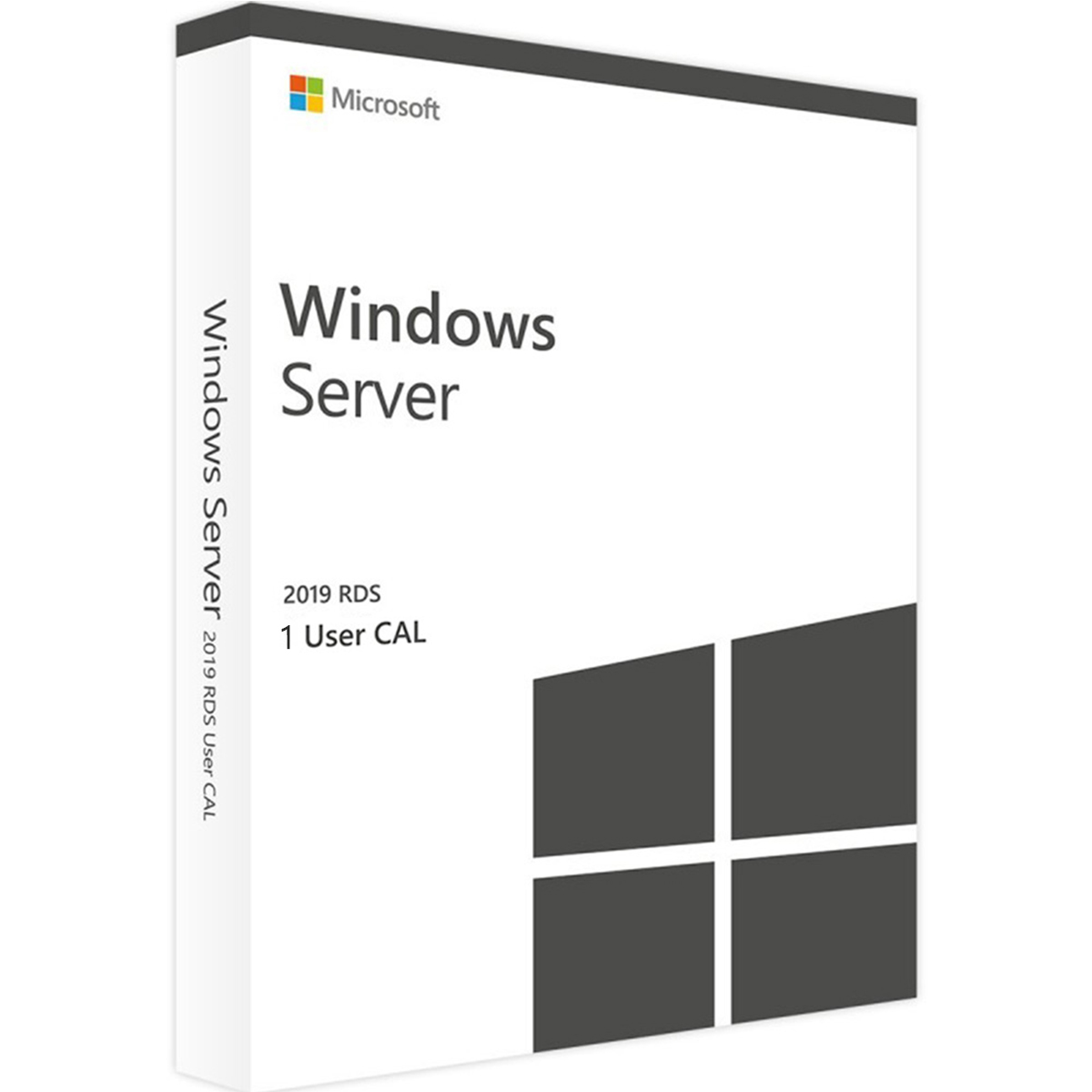
Hover on image to enlarge
Windows Server 2019 RDS - User CALs
Special promotions! Take advantage of significant discounts on CALs! (limited of stock)

Delivery Immediately via email
Technical Support Free
Free
FreeActivation Key Authentic Code
Authentic CodeInstallation Guide(s) Clear and detailed
Clear and detailedAvailable Languages Multilingual
MultilingualPlatform(s) Windows
WindowsAvailable validity Lifetime
LifetimeCountry Zone(s) Worldwide
WorldwideVersion Full Version
Full VersionThe Benefits of Buying Windows Server 2019 RDS - User CALs from us
Guaranteed Authenticity
All our softwares are 100% authentic, directly from official manufacturers.
Warranty
Enjoy peace of mind with our during the product's validity warranty, far beyond the standard 30 days.
Free Installation
Enjoy a free installation service for a hassle-free setup.
24/7 Customer Support
Our dedicated team is available anytime to assist you.
Best Prices
Get the best prices: CAD99.99 instead of CAD104.99 and save! CAD5!
Description
Windows Server 2019 RDS - User CALs : Overview
Windows Server 2019 RDS User CALs provide licensed access for users to connect to a Windows Server 2019 remotely. These licences allow each user to access the server from multiple devices, ensuring flexibility for businesses with mobile or shifting workstations. They are a cost-effective and efficient solution for managing Remote Desktop Services access in any professional environment.
- Enable individual users to access Windows Server 2019 from multiple devices without purchasing separate licences for each device.
- Ensure seamless remote connectivity for employees using desktops, laptops, or mobile devices.
- Support both current and older Windows Server versions, allowing forward compatibility for future upgrades.
- Simplify IT management with flexible licensing options tailored for dynamic workplaces.
- Receive licences quickly via email with detailed installation instructions included.
- Reduce administrative overhead by combining User CALs with Device CALs if necessary for mixed environments.
Windows Server 2019 RDS - User CALs Overview
Access Flexibility
Windows Server 2019 RDS User CALs allow each licensed user to connect from any number of devices. This ensures employees can work remotely or switch between workstations seamlessly. The licences provide consistent access without the need for multiple device-based licences.
Compatibility with Older Server Versions
These User CALs are forward-compatible, meaning they can be used to access older versions of Windows Server while ensuring smooth transition when upgrading to Windows Server 2019. Early acquisition of these licences can facilitate future upgrades.
Easy Installation and Setup
Each purchase includes a genuine product key and comprehensive installation instructions. Users can quickly configure their Remote Desktop environment and begin accessing Windows Server 2019 efficiently, reducing setup time and complexity.
Benefits and Use Cases for Windows Server 2019 RDS User CALs
Ideal for Dynamic Workplaces
User CALs are particularly suitable for businesses where employees frequently change workstations. They allow staff to access remote desktops from thin clients, laptops, or traditional desktops without restriction, providing maximum operational flexibility.
Licensing Requirements
To legally operate a Windows Server 2019 environment, both a server licence and the corresponding User CALs are required. These licences ensure compliance with Microsoft’s licensing model and provide authorised access to Remote Desktop Services.
Integration with Device CALs
Organisations can combine User CALs with Device CALs to optimise licensing based on specific needs. This mixed approach allows maximum flexibility, enabling businesses to adapt licences to staff usage patterns efficiently.
System Requirements
- Operating System: Windows Server 2019
- Processor: 1.4 GHz 64-bit or higher
- RAM: 2 GB minimum per server, 8 GB recommended
- Disk Space: 32 GB or more available
- Other Requirements: Network adapter for client connections, internet access for licence activation and updates
Frequently Asked Questions
-
What is the purpose of Windows Server 2019 RDS User CALs?
Windows Server 2019 RDS User CALs grant individual users the right to access a Windows Server 2019 remotely, allowing them to connect from any device assigned to them
-
Can User CALs be used with multiple devices for a single user?
Yes, each User CAL permits a single user to access the Remote Desktop environment from multiple devices, making it ideal for mobile or shifting workstations
-
Are these User CALs compatible with older Windows Server versions?
These licences can be used to access older versions of Windows Server, providing flexibility during upgrade transitions and ensuring continued compatibility with existing infrastructure
-
How do I download and activate Windows Server 2019 RDS - User CALs?
Once your purchase is complete, you will receive a secure download link and a valid license key by e-mail. Follow the installation instructions, enter your product key and start using Windows Server 2019 RDS - User CALs immediately
Features
Client Access Licenses:
1 CAL



