


Cart is empty
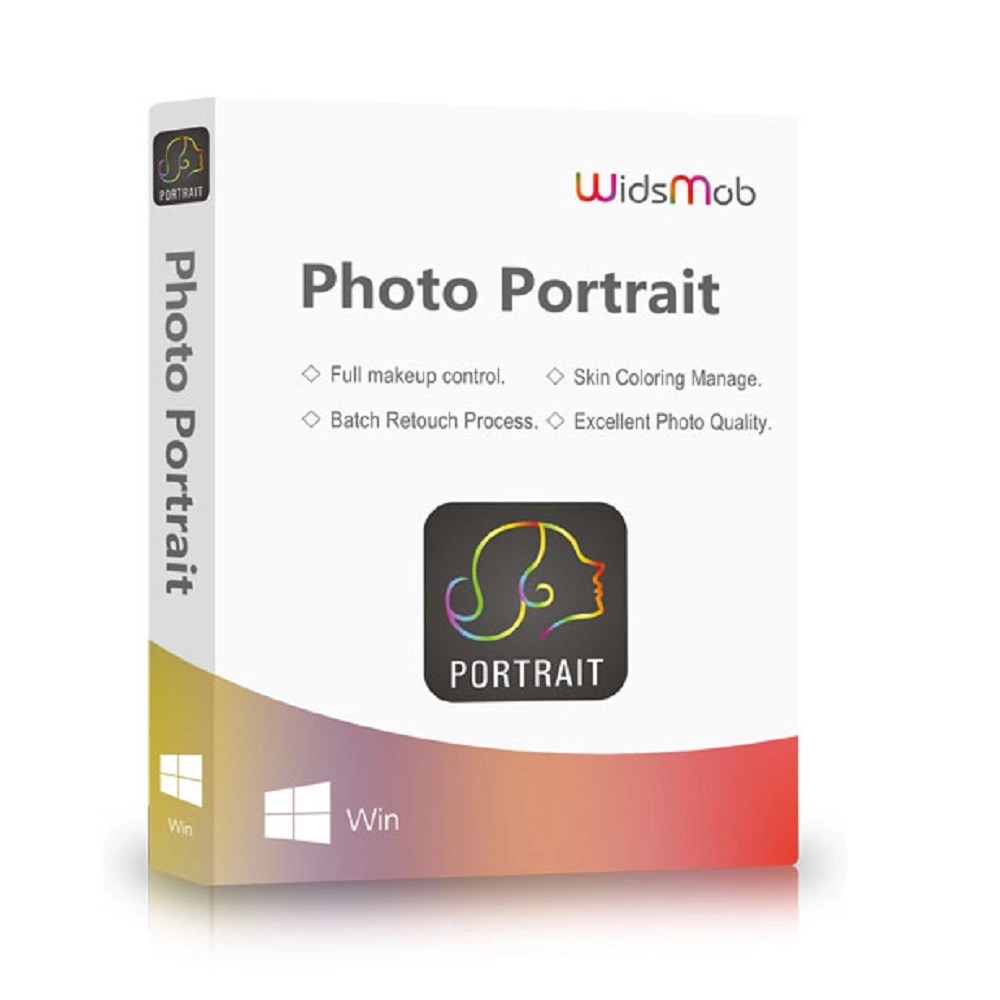
Hover on image to enlarge

Widsmob Photo Portrait

Delivery via email
Technical Support Free
Free
FreeActivation Key Authentic Code
Authentic CodeDownload Download Link
Download LinkAvailable Languages Multilingual
MultilingualPlatform(s) Windows
WindowsAvailable validity Lifetime
LifetimeCountry Zone(s) Worldwide
WorldwideVersion Full Version
Full VersionThe Benefits of Buying Widsmob Photo Portrait from us
Guaranteed Authenticity
All our softwares are 100% authentic, directly from official manufacturers.
Warranty
Enjoy peace of mind with our during the product's validity warranty, far beyond the standard 30 days.
Free Installation
Enjoy a free installation service for a hassle-free setup.
24/7 Customer Support
Our dedicated team is available anytime to assist you.
Best Prices
Get the best prices: CAD34.99!
Description
WidsMob Photo Portrait: Overview
WidsMob Photo Portrait is a powerful and intuitive portrait retouching tool designed to perfect your facial images with professional-level precision. Whether you're a photographer or casual user, this application simplifies the process of enhancing facial features, removing imperfections, and applying digital makeup.
- One-click wrinkle and blemish removal for flawless skin
- Skin tone adjustment with real-time preview
- Complete portrait makeup including eye enhancement, teeth whitening, and smile control
- Batch processing and custom presets for fast workflows
- Supports both RAW and JPEG formats with no quality loss
WidsMob Photo Portrait: Key Features
Intelligent Skin Smoothing and Blemish Removal
With a single click, WidsMob Photo Portrait intelligently removes wrinkles, eye bags, and blemishes. It identifies key facial regions and applies enhancements without over-editing, resulting in a natural-looking retouch. The software offers sliders to control intensity for fine-tuning results.
Customizable Skin Tone and Lighting Adjustments
Easily adjust skin color by selecting from a variety of tones and modifying brightness or darkness levels. Reduce glare caused by lighting using the intuitive slider for a more even, flattering complexion. The tool provides precision over facial lighting correction.
Complete Face Makeup and Reshaping Tools
Apply full digital makeup including glowing eyes, lifted cheekbones, and smooth skin textures. Adjust elements such as eye width, smile intensity, and facial shape. Additional features include tooth whitening and facial structure modifications for perfect selfies or professional portraits.
Batch Retouching With Presets and RAW Support
Once your preferred adjustments are set, save them as presets to quickly apply the same effects across multiple photos. WidsMob Photo Portrait also supports batch importing and retouching, making it efficient for editing entire albums or professional photo sessions.
WidsMob Photo Portrait: Additional Highlights
Full Control Over Every Facial Detail
The software automatically detects individual facial components, allowing users to enhance eyes, cheeks, teeth, and skin separately. Use sliders for real-time adjustment and preview changes instantly. Every tool is designed to give you precision control while keeping the interface simple.
Excellent Photo Quality Without Compression Loss
WidsMob Photo Portrait supports RAW and JPEG images, retaining full image quality during and after editing. Whether your photos come from a DSLR or smartphone, the software ensures the export delivers high-resolution results with professional clarity.
Fast Processing With Real-Time Previews
Powered by a high-speed algorithm, the software applies retouching effects with 4x faster rendering. You can compare before-and-after results side by side, making it easier to visualize changes and achieve the perfect balance in your edits.
System Requirements
- Operating System: Windows 7, Windows 8, Windows 10
- Memory: 2 GB RAM minimum
- Internet Connection: Required for product activation
- Supported Formats: JPEG and RAW image files
Frequently Asked Questions
-
Can I retouch multiple portraits at the same time?
Yes. WidsMob Photo Portrait supports batch retouching. You can apply saved presets to all imported images at once, significantly reducing editing time without sacrificing quality.
-
Does it support professional RAW photo formats?
Absolutely. The software supports both RAW and JPEG formats, ensuring no quality degradation during editing. This makes it suitable for use with DSLR cameras and high-resolution photo shoots.
-
Is the software easy to use for beginners?
Yes. The user interface is intuitive, and all adjustments are made with sliders. Real-time previews help beginners see the impact of each change immediately. No advanced photo editing knowledge is needed.
-
How do I download and activate WidsMob Photo Portrait?
Once you have completed your purchase, you will receive a secure download link and a valid license key by e-mail. Follow the installation instructions, enter your product key and start using WidsMob Photo Portrait immediately.



