


Cart is empty
Hover on image to enlarge

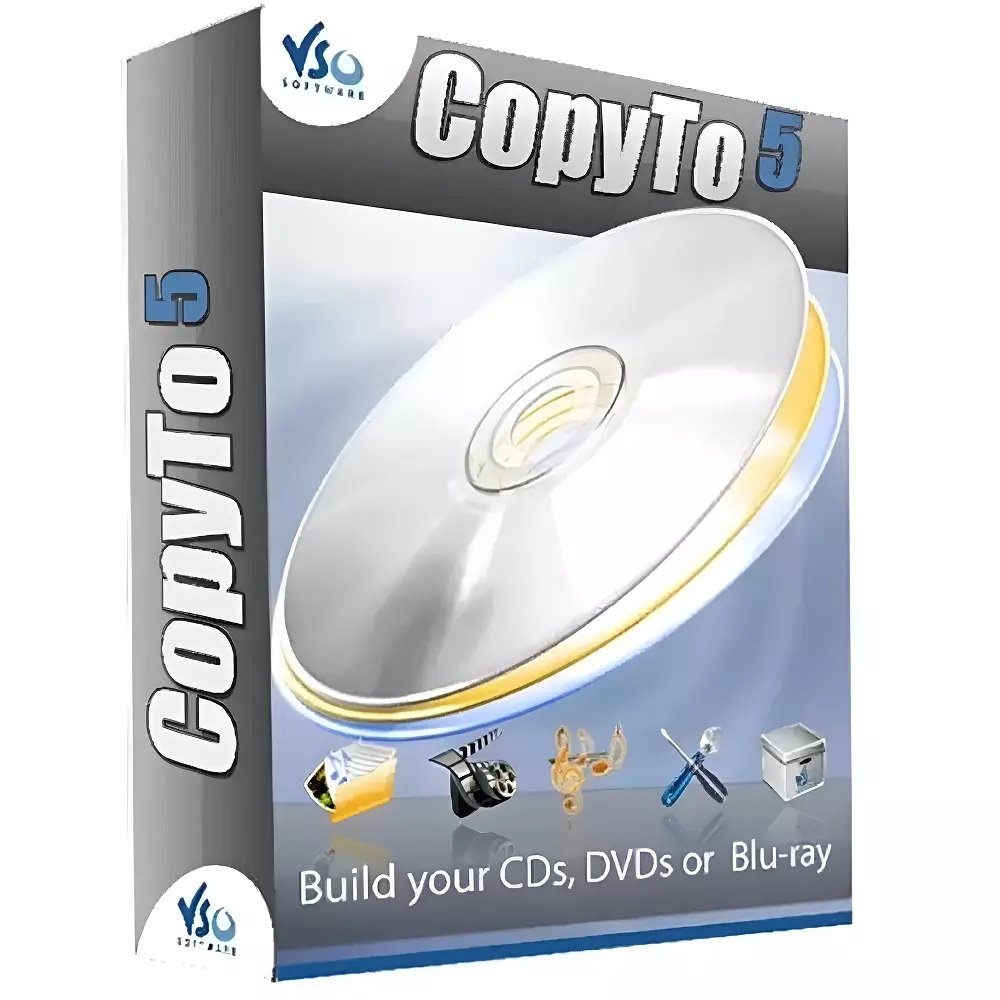
VSO CopyTo 5

Delivery via email
Technical Support Free
Free
FreeActivation Key Authentic Code
Authentic CodeDownload Download Link
Download LinkAvailable Languages Multilingual
MultilingualPlatform(s) Windows
WindowsAvailable validity Lifetime
LifetimeCountry Zone(s) Worldwide
WorldwideVersion Full Version
Full VersionThe Benefits of Buying VSO CopyTo 5 from us
Guaranteed Authenticity
All our softwares are 100% authentic, directly from official manufacturers.
Warranty
Enjoy peace of mind with our during the product's validity warranty, far beyond the standard 30 days.
Free Installation
Enjoy a free installation service for a hassle-free setup.
24/7 Customer Support
Our dedicated team is available anytime to assist you.
Best Prices
Get the best prices: CAD46.99!
Description
VSO CopyTo 5: Overview
VSO CopyTo 5 is an intuitive and reliable disc burning software that enables users to effortlessly burn data, audio, video, and ISO files onto CDs, DVDs, and Blu-ray discs. Designed for both beginners and advanced users, CopyTo combines ease of use with advanced functionality and high-performance burning speed.
- One-click disc burning from any file type via context menu
- Supports all optical drives and media formats including CD, DVD, Blu-ray
- Disk-to-disk duplication and ISO image handling
- Built-in project analyzer recommends the best output format
- Award-winning burning engine with multisession support and simultaneous copy handling
VSO CopyTo 5: Key Features
Audio and Video Disc Burning
CopyTo allows you to burn audio CDs and MP3 disks that are compatible with a wide range of playback devices. It can automatically convert various audio and video formats to MP3 and even extract audio from sources like video clips or live recordings. You can also create custom playlists and burn them directly to disc.
ISO Image Creation and Editing
The software supports ISO and BIN/CUE formats and is fully compatible with virtual drives like Daemon Tools. You can create, modify, or patch ISO files with ease using the integrated ISO editor. The disc image creation tool is ideal for backups, virtual installations, and streamlined duplication workflows.
Multisession Disc Support
With its dedicated multisession assistant, CopyTo enables users to manage and organize multiple sessions on a single disc. You can view previously burned sessions, define custom rules, and add new content without affecting earlier data. The user interface makes it easy to keep track of what's stored on the disc.
Smart Interface and Advanced Technology
CopyTo includes an intelligent project analyzer that recommends the optimal output format based on the files selected. Users benefit from a customizable interface, built-in tips, a mini media player for previews, and real-time voice prompts. The software also supports multiple file systems including Unicode, ISO, Joliet, and UDF 2.5.
System Requirements
- Operating System: Windows Vista (32-bit & 64-bit), Windows 7, Windows 8, Windows 10
- Supported Drives: Compatible with all CD/DVD/Blu-ray drives
- Disc Formats: Supports CD-R, CD-RW, DVD±R, DVD±RW, DVD-RAM, BD-R, BD-RE
Frequently Asked Questions
-
What types of discs can I burn with VSO CopyTo 5?
CopyTo supports the burning of audio CDs, data DVDs, video Blu-rays, ISO image files, and MP3 discs. It is compatible with all major disc types and optical drives, making it a versatile solution for various burning needs.
-
Does VSO CopyTo 5 support disc-to-disc copying?
Yes. CopyTo offers direct disc-to-disc copying, allowing you to duplicate your existing CDs, DVDs, and Blu-rays easily. This is useful for backups or sharing physical media without manual file selection.
-
Can I use CopyTo for ISO file creation and management?
Absolutely. You can create, edit, and burn ISO and BIN/CUE image files. The tool also integrates with virtual drives like Daemon Tools, enabling you to mount and manage ISO files without physical media.
-
How do I download and activate VSO CopyTo 5?
Once your purchase is complete, you'll receive a secure download link and a valid license key by e-mail. Follow the installation instructions, enter your product key and start using VSO CopyTo 5 immediately.



