


Cart is empty
Hover on image to enlarge

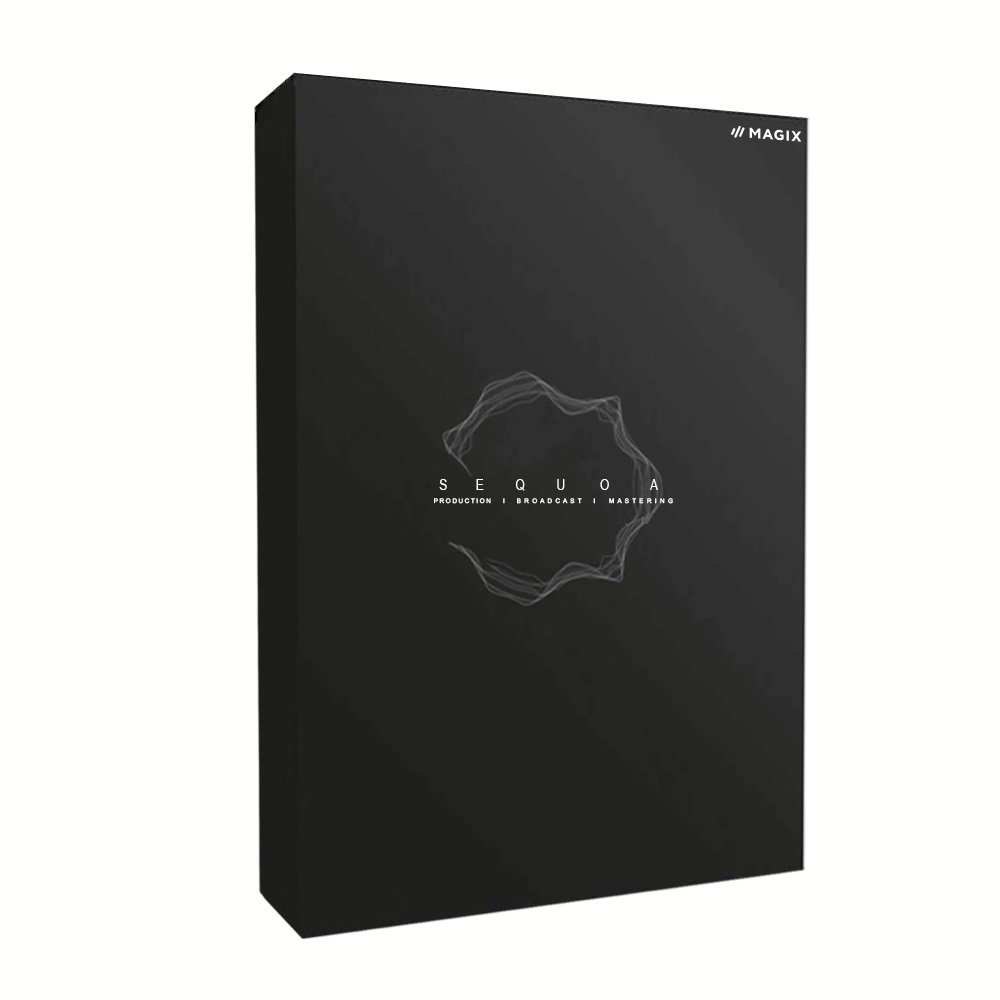
Sequoia 15

Delivery via email
Technical Support Free
Free
FreeActivation Key Authentic Code
Authentic CodeDownload Download Link
Download LinkAvailable Languages Multilingual
MultilingualPlatform(s) Windows
WindowsAvailable validity Lifetime
LifetimeCountry Zone(s) Worldwide
WorldwideVersion Full Version
Full VersionThe Benefits of Buying Sequoia 15 from us
Guaranteed Authenticity
All our softwares are 100% authentic, directly from official manufacturers.
Warranty
Enjoy peace of mind with our during the product's validity warranty, far beyond the standard 30 days.
Free Installation
Enjoy a free installation service for a hassle-free setup.
24/7 Customer Support
Our dedicated team is available anytime to assist you.
Best Prices
Get the best prices: CAD5261.99!
Description
Magix Sequoia 15: Overview
Magix Sequoia 15 is a premium digital audio workstation (DAW) designed for professional engineers, broadcasters, and mastering specialists. With cutting-edge surround sound capabilities, advanced automation, and seamless integration with industry-standard tools, it delivers unmatched precision for high-stakes audio production.
- 3D Surround Support (Up to 32 Channels) – Ideal for immersive audio projects
- AVID Eucon S6 Integration – Enhanced control for Pro Tools workflows
- EBU R128 Loudness Compliance – Broadcast-ready audio normalization
- Multisync Editing – Streamlines complex multitrack projects
- Object-Based Workflow – Precision editing for mastering and post-production
Studio-Perfect Audio with Magix Sequoia 15: Precision Tools for Pros
Mastering Mastery: Your Secret Weapon for Flawless Sound
Sequoia 15 isn’t just a tool—it’s the industry standard for mastering engineers who demand perfection. With surgical precision, its phase-accurate meters and AI-powered restoration tools rescue even problematic recordings, while the object editor lets you tweak audio at a microscopic level. Need broadcast-ready loudness? Real-time EBU R128/ITU compliance ensures your tracks meet global streaming and radio specs—no guesswork, just pristine sound.
Edit Like a Pro: Speed, Power, and Pixel-Perfect Control
Why waste time on clunky edits? Sequoia’s source-destination cutting and multisync workflows turn marathon sessions into quick sprints. Glitch-free crossfades, batch processing, and frame-accurate trimming mean you spend less time fixing and more time creating. Plus, with VCA faders and smart automation, your mixes tighten up faster than ever.
Live & Broadcast: Stay Ahead of the Airwaves
In live TV or radio, seconds matter. Sequoia’s direct CMS integration lets you edit on the fly and push updates with near-zero latency. ISRC metadata embedding, MP3/AAC previews, and auto-ducking keep your workflow smooth, while DDP export ensures error-free CD/DVD masters. Whether you’re prepping a live concert broadcast or polishing a podcast, Sequoia keeps you ahead of deadlines.
System Requirements
- OS: Windows 10/11 (64-bit)
- CPU: Multicore Intel/AMD (32-core support recommended)
- RAM: 8 GB minimum (16 GB+ for surround projects)
- Storage: 2 GB free space, SSD for performance
- Audio Hardware: ASIO-compatible interface
- Additional: AVID S6 controller support (optional)
Frequently Asked Questions
-
What’s New in Sequoia 15?
Version 15 adds 3D surround up to 32 channels, Eucon S6 integration, and improved plugin management, alongside workflow optimizations for large-scale projects.
-
Is Sequoia 15 Compatible with Pro Tools?
Yes, via AVID Eucon S6 controllers and broadcast-WAV/AAF export. However, it’s a standalone DAW, not a Pro Tools plugin.
-
Can I Use Sequoia for Live Sound?
While optimized for post-production, its low-latency engine supports live broadcast editing and real-time loudness adjustments.
-
How to Download and Activate Magix Sequoia 15?
After purchase, you’ll receive a secure download link and valid license key via email. Follow the installation prompts, enter your product key, and start using Sequoia 15 immediately.



