


Cart is empty
Save 29%
Hover on image to enlarge

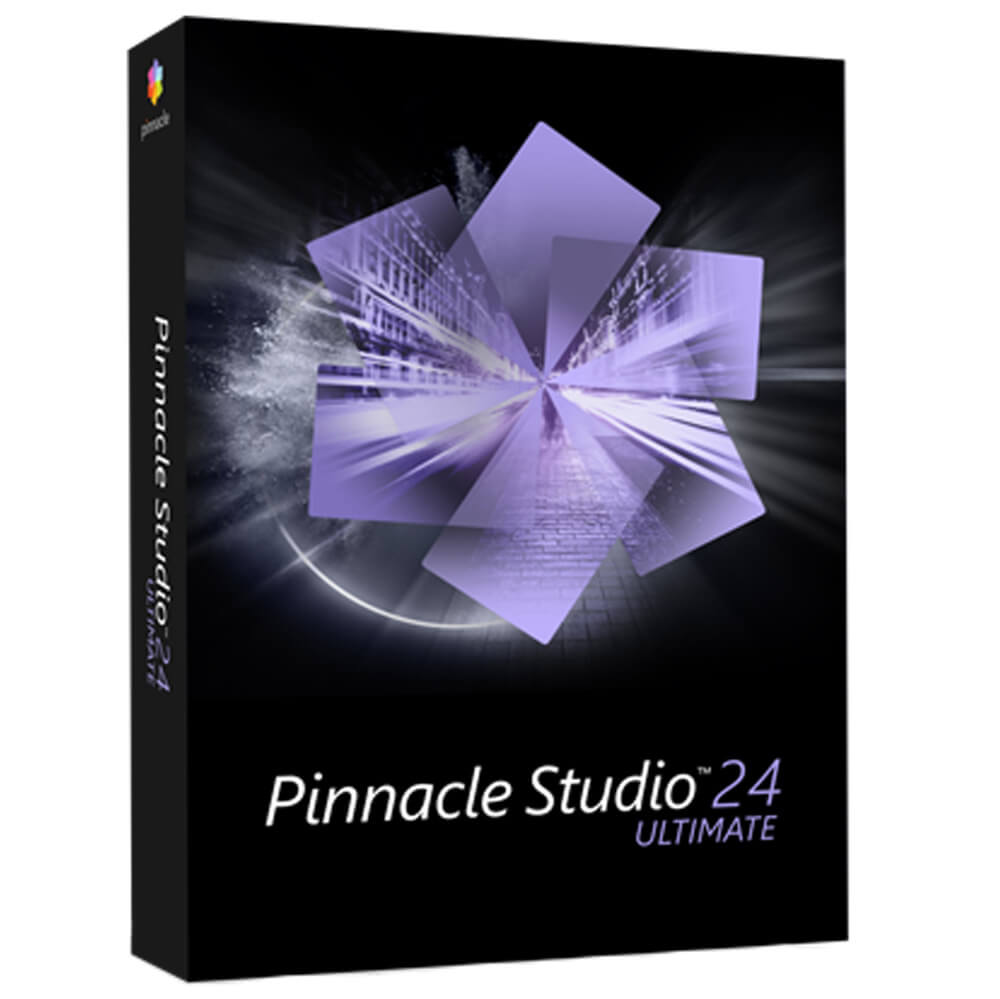
Pinnacle Studio 24 Ultimate

Delivery via email
Technical Support
 Free
Free
Free
Activation Key
 Authentic Code
Authentic Code
Download
 Via the official website
Via the official website
Available Languages
 Multilingual
Multilingual
Platform(s)
 Windows
Windows
Available validity
 Lifetime
Lifetime
Country Zone(s)
 Worldwide
Worldwide
Version
 Full Version
Full Version
The Benefits of Buying Pinnacle Studio 24 Ultimate from us
Guaranteed Authenticity
All our softwares are 100% authentic, directly from official manufacturers.
Warranty
Enjoy peace of mind with our during the product's validity warranty, far beyond the standard 30 days.
Free Installation
Enjoy a free installation service for a hassle-free setup.
24/7 Customer Support
Our dedicated team is available anytime to assist you.
Best Prices
Get the best prices: CAD129.99 instead of CAD181.99 and save! CAD52!
Description
Pinnacle Studio 24 Ultimate: Overview
Pinnacle Studio 24 Ultimate is an advanced video editing and screen recording software designed for demanding creators. It provides professional tools and maximum flexibility to create cinematic-quality videos.
- Edit your clips on an unlimited number of tracks with complete freedom.
- Enhance your creations with keyframes and precise control over settings.
- Access hundreds of creative effects, new graphics, and overlays.
- Use professional tools such as video masking, color grading, and an innovative title editor.
Why Choose Pinnacle Studio Ultimate?
Master Editing with Precise Keyframe Control
Fully leverage the power of keyframes with Pinnacle Studio Ultimate to adjust every setting of your clips, effects, and transitions with extreme precision. Refine playback speed, manage image overlays, and control the movement of elements to achieve results worthy of professional productions.
Total Flexibility for a Personalized Workflow
Pinnacle Studio Ultimate offers a fully customizable interface. Tailor your workspace to your needs by grouping clips, customizing keyboard shortcuts, and optimizing your editing environment for an intuitive and efficient experience. Create a smooth workflow that matches your production style.
Advanced Editing Tools for Limitless Creation
With Pinnacle Studio Ultimate, access powerful editing tools like color grading, video masking, and 360° video editing. Experiment with advanced effects to unleash your creativity and create unique, captivating videos.
Motion Tracking and Impressive Visual Effects
Enhance your productions with the motion tracking tools in Pinnacle Studio Ultimate. Apply mosaic blur to anonymize sensitive objects or anchor text and graphics to moving elements for seamless and natural integration. Your videos will have a professional dimension with dynamic and immersive effects.
Advanced Audio Editing for Impeccable Sound Quality
A great video edit is nothing without perfect sound. Pinnacle Studio Ultimate lets you adjust, mix, and apply sound effects with advanced audio tools. Use the automatic ducking feature to ensure perfect balance between dialogue and background music, providing an immersive experience for your audience.
Easy Export and Sharing Across All Platforms
With Pinnacle Studio Ultimate, export your videos in a variety of formats suited for every platform. Instantly share your creations on YouTube, Vimeo, or burn them to DVD and Blu-ray for high-quality distribution. Enjoy optimized export options to ensure the best compatibility and image quality possible.
Technical Specifications
System Requirements
- Operating System: Windows 10, 64-bit
- Processor: Intel Core i3 or AMD A4 at 3.0GHz or higher
- AVCHD and Intel Quick Sync video support require an Intel Core i5 or i7 processor at 1.06 GHz or higher
- Intel Core i7 4th generation or newer, or AMD Athlon A10 or newer for UHD, multi-camera editing, or 360° video
- Intel 6th generation or newer, or AMD Ryzen or newer for face tracking (ULTIMATE ONLY)
- RAM: 4GB or more; for UHD editing, multi-camera editing, or 360° videos, at least 8GB is recommended.
- Graphics Card:
- Minimum resolution 1024 x 768; at least 256MB VGA VRAM; 512MB or more recommended for hardware decoding acceleration
- A DirectX-compatible graphics device is recommended
- NVIDIA GeForce 700 Series / Quadro 600 (Fermi-based) or newer (CUDA support required for CUDA acceleration)
- ATI Radeon HD 5XXX Series or higher
- Intel HD Graphics from Ivy Bridge or newer
- 3D Titler requires DirectX 11
- Sound Card: Windows-compatible sound card
- Hard Disk Space: 8GB for full installation
- An internet connection is required to install, register, and update the software. The product must be registered to be used.
Import Formats
- Video: AVCHD, DV, HDV, AVI, MPEG-1/-2/-4, Flash, 3GP (MPEG-4, H.263), WMV, unencrypted DVD titles (including DVD-VR/+VR), MOV (DV, MPEG-4, H.264), HEVC1* (H.265), XAVC, MXF, DVCPRO HD, XAVC S, GoPro LRV, Cineform
- Audio Formats: MP3, MPA, M4A, WAV, AMR, AC3, AAC, Vorbis, WMA
- Images: BMP, GIF, JPG, JPS, J2K, PCX, PNG, PSD, TGA, TIF, WMF
Export Formats
- Discs: DVD, AVCHD, Blu-ray ($)
- Video: DV, HDV, AVI, WMV, MPEG-1/-2/-4, Flash, 3GP, HEVC* (H.265, H.264), XAVC S, MOV, M2TS, FLV, 3GP, GIF, Cineform
- Images: BMP, JPEG, TIF, TGA
- Audio: AC3, MP2, MP3, MP4, WAV
Accessories
- DVD and AVCHD disc creation requires a DVD burner
- Blu-ray burning requires the purchase of a separate plugin, which can be bought directly from the application
Supported Languages
- German, English, Danish, Spanish, Finnish, French, Italian, Japanese, Dutch, Polish, Russian, Swedish, and Czech
Frequently Asked Questions
-
Is Pinnacle Studio 24 Ultimate suitable for beginners?
Yes, although designed for professionals, Pinnacle Studio 24 Ultimate offers an intuitive interface and guided tutorials that help beginners quickly get acquainted with the software.
-
What file formats are supported by Pinnacle Studio 24 Ultimate?
The software supports a wide range of formats, including MP4, AVI, MOV, WMV, MPEG, and high-resolution files like 4K and HEVC (H.265).
-
Can I use Pinnacle Studio 24 Ultimate to record my screen?
Yes, Pinnacle Studio 24 Ultimate includes a screen recording feature perfect for capturing gameplay, presentations, and tutorials.
-
How do I download and activate Pinnacle Studio 24 Ultimate?
Once your purchase is complete, you will receive a secure download link and a valid license key via email. Follow the installation instructions, enter your product key, and begin using Pinnacle Studio 24 Ultimate immediately.



