


Cart is empty
Hover on image to enlarge
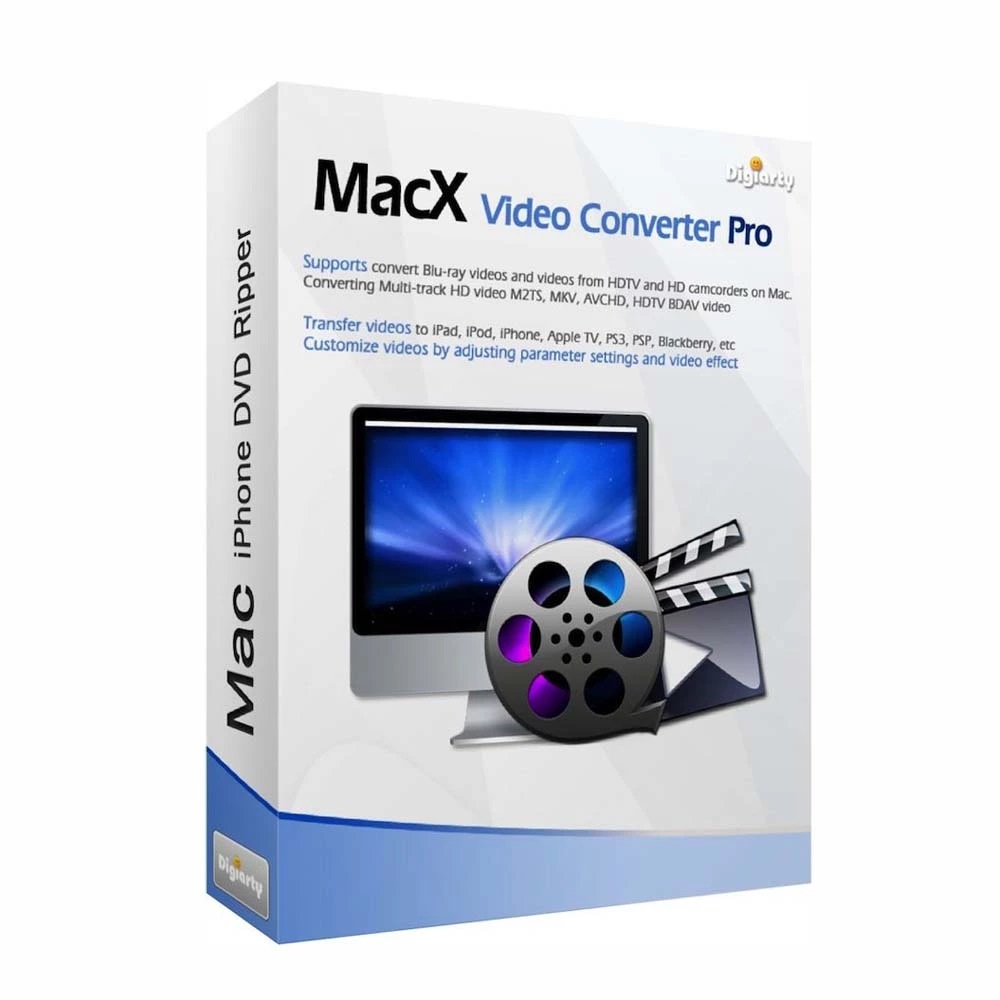
MacX Video Converter Pro
Obtain your own version of MacX Video Converter Pro at the lowest price on our online shop.
After you successfully buy the product, you will receive by email:
- The authentic MacX Video Converter Pro Key is valid for one year (12 months) from the date of activation.
- The full version of MacX Video Converter Pro download link
- Instructions and guides on how to install and activate your product
- Free customer support available 7/7
The Benefits of Buying MacX Video Converter Pro from us
Guaranteed Authenticity
All our softwares are 100% authentic, directly from official manufacturers.
Warranty
Enjoy peace of mind with our during the product's validity warranty, far beyond the standard 30 days.
Free Installation
Enjoy a free installation service for a hassle-free setup.
24/7 Customer Support
Our dedicated team is available anytime to assist you.
Best Prices
Get the best prices: CAD42.99!
Description
MacX Video Converter Pro: Overview
MacX Video Converter Pro is a comprehensive all-in-one video processing tool for Mac users. It includes a powerful video converter, compressor, downloader, editor, screen recorder, and slideshow creator, offering exceptional speed and quality. Convert videos five times faster, compress 4K UHD videos, and enjoy seamless compatibility with more than 420 formats and devices. It supports 4K Ultra HD, Full HD, and 1080p/2K-to-4K enhancement for sharper results, plus the ability to download videos and music from over 1000 sites.
- Convert videos to 420 formats: Supports a wide array of video and audio formats including AV1, MP4, MOV, HEVC, H.264, MPEG4, AVI, and more.
- Hardware acceleration for faster processing: Utilizes Intel QSV, Nvidia, and AMD to speed up 4K video conversions by up to five times faster than other converters.
- Screen recording and video editing: Record your screen, edit videos by cutting, merging, rotating, or adding external subtitles.
- Slideshow creation: Transform your photos into captivating slideshows with music, which can be shared on multiple platforms.
- Comprehensive device support: Automatically formats your videos to suit over 420 devices, from smartphones to gaming consoles.
Transform Your Videos with Ease: Convert, Download, and Edit in Over 200 Formats
MacX Video Converter Pro is your ultimate all-in-one solution for video conversion, downloading, and editing. With support for over 200 formats and more than 370 codecs, you can seamlessly convert videos from SD to 4K UHD, download content from over 1000 sites, and even edit and share your media effortlessly. Whether you're working with videos, audio, or photos, MacX empowers you to create and enjoy your media across all your devices with ease.
Convert Videos in a Flash: 370+ Codecs for Maximum Compatibility
MacX Video Converter Pro provides comprehensive support for over 370 video and audio codecs. Convert everything from SD and HD multi-track videos to 2K and 4K UHD content, without worrying about compatibility. No additional codecs are needed, making it simple to turn your videos into the perfect format for any device.
Compatible with Every Device: Streamline Your Conversion Process
With over 420 device-specific profiles, MacX ensures that every video you convert is optimized for the screen of your choice. Whether it’s an Apple iPhone, iPad, Android phone, tablet, TV, or gaming console, MacX automatically adjusts your videos for the perfect fit—no need to tweak complex settings. It’s the simplest way to ensure your videos look great everywhere.
Superior Video Quality with HEVC/H.265 Encoding and Decoding
MacX leads the way in supporting HEVC/H.265 encoding and decoding, providing you with high-quality video output while reducing file size. Convert large 4K UHD videos into HEVC for superior storage efficiency and playback, while ensuring compatibility with older devices that support H.264. Say goodbye to lag and buffering, and enjoy smoother video playback across all your devices.
Download Videos from 1000+ Sites with Ease
MacX Video Converter Pro comes with a powerful video downloader that supports more than 1000 websites, including YouTube, Facebook, Vimeo, Dailymotion, and more. Whether you’re saving videos, music, playlists, or even entire TV shows in 4K, Full HD, or MP3, you can enjoy offline viewing with no ads or slow network issues. Plus, you can convert downloaded files into MP4, MP3, AAC, and other formats with just a few clicks.
Record, Edit, and Share: All-in-One Video Solution
MacX doesn’t stop at conversion—it also includes powerful editing and recording tools. Capture your screen for tutorials or live streams, edit your videos by cutting, merging, and adding subtitles, and create impressive slideshows from your photos. You can record videos from your camera or webcam, adjust video resolution, and even remove unwanted black borders or ads. It’s the perfect tool for anyone who wants complete control over their media content.
System Requirements
- Mac OS X Snow Leopard
- Lion/Lion des montagnes
- Mavericks
- Yosemite
- El Capitan
- macOS Sierra
- macOS High Sierra
- macOS Mojave
- Catalina
- Big Sur (32bit & 64bit)
Frequently Asked Questions
-
What Are the Main Features of MacX Video Converter Pro?
MacX Video Converter Pro offers fast video conversion, 4K UHD file compression, downloading videos from over 1000 sites, screen recording, and more. It supports over 420 video and audio formats, ensuring maximum compatibility with all your devices.
-
Does MacX Video Converter Pro Support HEVC Decoding?
Yes, MacX Video Converter Pro supports HEVC/H.265 decoding. You can convert HEVC videos into other compatible formats such as MP4 or MOV for better compatibility with older devices.
-
How to Download and Activate MacX Video Converter Pro?
Once your purchase is completed, you will receive a secure download link and a valid license key by email. Follow the installation instructions, enter your product key, and start using MacX Video Converter Pro immediately.



