


Cart is empty
Hover on image to enlarge

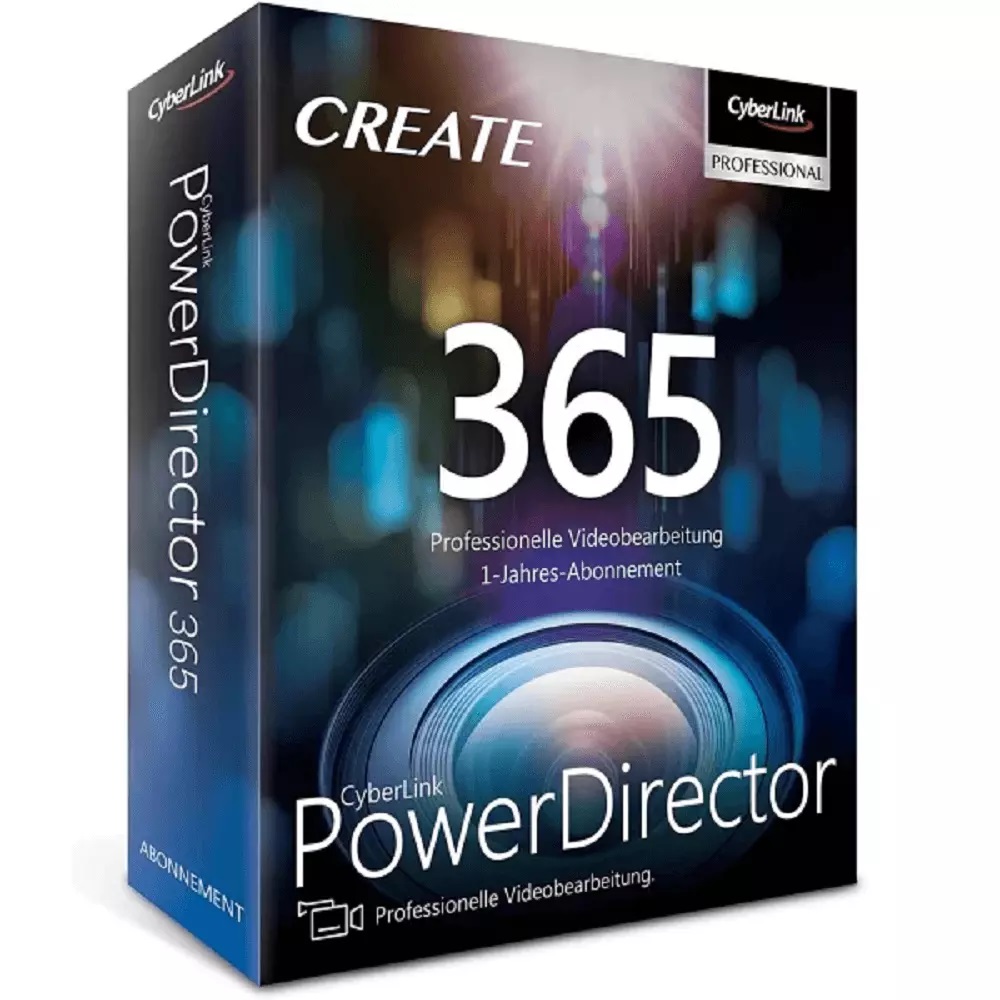
Cyberlink PowerDirector 365
Obtain your own version of Cyberlink PowerDirector 365 at the lowest price on our online shop.
After you successfully buy the product, you will receive by email:
- The authentic Cyberlink PowerDirector 365 Key is valid for one year (12 months) from the date of activation.
- The full version of Cyberlink PowerDirector 365 download link
- Instructions and guides on how to install and activate your product
- Free customer support available 7/7
The Benefits of Buying Cyberlink PowerDirector 365 from us
Guaranteed Authenticity
All our softwares are 100% authentic, directly from official manufacturers.
Warranty
Enjoy peace of mind with our during the product's validity warranty, far beyond the standard 30 days.
Free Installation
Enjoy a free installation service for a hassle-free setup.
24/7 Customer Support
Our dedicated team is available anytime to assist you.
Best Prices
Get the best prices: CAD76.99!
Description
Cyberlink PowerDirector 365 : Overview
Cyberlink PowerDirector 365 is a professional-grade video editing software designed for users of all levels. It provides powerful tools, creative content, and efficient workflows, enabling users to produce polished videos, eye-catching YouTube intros, and shareable projects from its vibrant creative community.
- Edit videos professionally with intuitive and versatile tools
- Remove unwanted objects, combine clips, and enhance footage using mask designer features
- Create dynamic titles and text animations with the title designer
- Add animated graphics, stickers, and custom callouts to highlight key moments
- Access millions of royalty-free stock media, transitions, and overlays to enrich projects
- Improve video quality with stabilisation, LUTs, HDR effects, and audio enhancements
Cyberlink PowerDirector 365 Editing and Mask Tools
Mask Designer
The mask designer in Cyberlink PowerDirector 365 enables users to remove unwanted elements, merge clips, and enhance their footage using a variety of styles, shapes, and custom tools, providing limitless creative possibilities.
Title Designer
The title designer allows the creation of custom titles using drag-and-drop presets or advanced options such as gradients, borders, shadows, and 3D text animations, adding depth and professional polish to your videos.
BIB Designer
With the BIB designer, animated stickers, shapes, and callouts can be strategically added to capture viewers' attention, controlling their timing, placement, and duration on the screen.
Cyberlink PowerDirector 365 Effects and Media Enhancements
Video Effects
Video effects in Cyberlink PowerDirector 365 include object-based effects, sky replacement, keyframe animations, and masking, allowing precise control over visual storytelling and cinematic impact.
Audio Editing
Audio editing tools enhance sound quality with AI-powered noise reduction, vocal enhancements, voice changers, vocal removal, and advanced processing to ensure a professional audio experience.
System Requirements
- Operating System: Windows 10 or 11 64-bit for Windows; Mac OSX 10.14 or later for Mac
- Processor: Intel Core™ i-series or AMD Phenom II and higher; Intel Core™ i-series or Apple M1 with Rosetta for Mac
- RAM: 8 GB minimum (16 GB or higher recommended)
- Disk Space: 7 GB
- Other Requirements: Internet connection for initial activation, subscription verification, and access to online services; GPU requirements vary for AI effects; compatible sound card and display resolution 1024 x 768 or higher
Frequently Asked Questions
-
What editing tools are included in Cyberlink PowerDirector 365?
Cyberlink PowerDirector 365 provides a full suite of editing tools including mask designer, title designer, BIB designer, video effects, and audio enhancement features for professional-quality video production
-
How can I enhance my videos with graphics and titles in Cyberlink PowerDirector 365?
Users can add animated graphics, stickers, callouts, and custom titles using drag-and-drop presets or advanced controls to create dynamic, visually engaging videos
-
What are the system requirements for running Cyberlink PowerDirector 365?
The software requires Windows 10/11 64-bit or Mac OSX 10.14+, an Intel or AMD processor (or Apple M1 with Rosetta), 8 GB RAM minimum, 7 GB disk space, and a compatible GPU and sound card for full functionality
-
How do I download and activate Cyberlink PowerDirector 365?
Once your purchase is complete, you will receive a secure download link and a valid license key by e-mail. Follow the installation instructions, enter your product key and start using Cyberlink PowerDirector 365 immediately



