


Cart is empty
Hover on image to enlarge
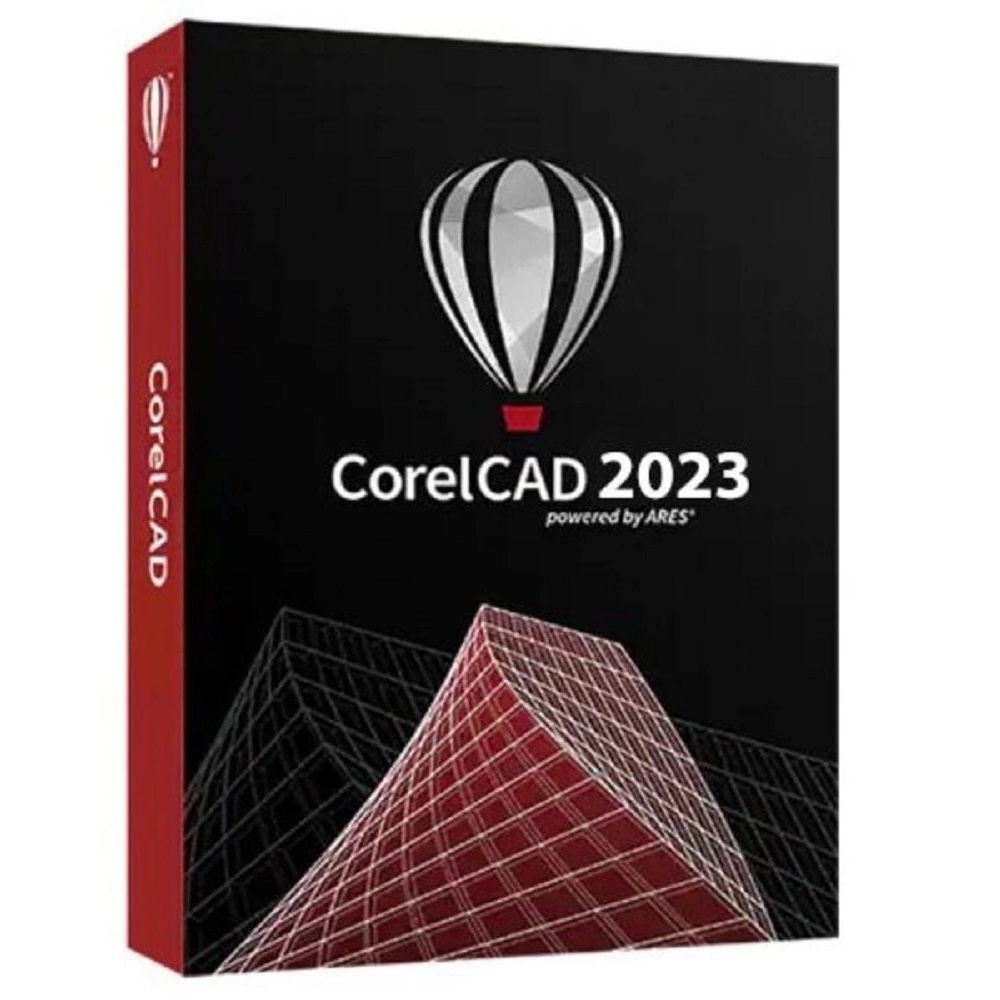
CorelCAD 2023
Obtain your own version of CorelCAD 2023 at the lowest price on our online shop.
After you successfully buy the product, you will receive by email:
- CorelCAD 2023 lifetime License Key code
- The full version of CorelCAD 2023 download link
- Instructions and guides on how to install and activate your product
- Free customer support available 7/7
The Benefits of Buying CorelCAD 2023 from us
Guaranteed Authenticity
All our softwares are 100% authentic, directly from official manufacturers.
Warranty
Enjoy peace of mind with our during the product's validity warranty, far beyond the standard 30 days.
Free Installation
Enjoy a free installation service for a hassle-free setup.
24/7 Customer Support
Our dedicated team is available anytime to assist you.
Best Prices
Get the best prices: CAD1079.99!
Description
CorelCAD 2023 : Overview
CorelCAD 2023 is a powerful CAD software tailored for professionals seeking precision, efficiency, and innovation in their design projects. This latest version incorporates a comprehensive suite of tools that enhance both productivity and creativity, making it an ideal choice for architects, engineers, and designers alike.
With its intuitive interface and advanced functionalities, CorelCAD 2023 empowers users to transform their ideas into reality seamlessly. Here are some compelling reasons to consider purchasing CorelCAD 2023:
- Versatile Drawing Tools: CorelCAD 2023 offers an extensive range of drawing and editing tools that cater to various design needs.
- Innovative Features: The introduction of new commands that allow users to set precise Z-coordinates for selected objects.
- Seamless Data Integration: The enhanced Data Linking Manager enables smooth linking to external data sources.
- Mac and Windows Compatibility: CorelCAD 2023.5 supports both macOS Ventura (13) and Windows, ensuring a consistent user experience across platforms.
Unleashing Creativity with CorelCAD 2023: Key Features
Revolutionary APLATIR Command
The revolutionary APLATIR command transforms the way you work with Z-coordinates, streamlining the process of aligning your designs with precision. This innovative tool allows you to set the Z-coordinate to zero for selected objects, ensuring that your models are not only accurate but also easy to manipulate. Whether you're designing complex structures or simple layouts, the APLATIR command eliminates guesswork, providing you with the confidence that your elevations are perfect..
Enhanced Flexibility with Non-Rectangular Windows
CorelCAD 2023 introduces improved functionalities for non-rectangular windows, enabling users to adjust their display geometries with ease. Utilizing intuitive handles, designers can reshape and modify window layouts without cumbersome processes. This flexibility allows for better visualization of design elements, enabling users to create more dynamic and engaging presentations of their work.
Streamlined Workflows with the Upgraded Data Linking Manager
The Gestionnaire des liaisons de données has undergone significant enhancements to improve the management of external data sources. Users can now link their designs to spreadsheets and databases seamlessly, ensuring that their project data is always up-to-date.
Optimized Functions for a Smoother Experience
CorelCAD 2023 brings a host of optimizations to key functions, including Aimantation d’objet (Object Snapping), Zoom, and Panoramique (Panning). These enhancements ensure a more fluid user experience, allowing designers to navigate their projects with greater ease and accuracy.
System Requirements
To install CorelCAD 2023 for Windows, ensure your workstation meets the following minimum requirements:
- Operating System: Microsoft Windows 11 or Windows 10 (Version 21H1 or later), 64-bit, with the latest updates and macOS Ventura (13)
- Processor: Intel Core 2 Duo or AMD Athlon x2 Dual-Core processor
- Memory: 4 GB RAM (8 GB or more recommended)
- Storage: 1.5 GB of available hard disk space
- Graphics: 3D Graphics accelerator card with OpenGL version 1.4 (OpenGL version 3.2 or better recommended)
- Display: 1280 x 768 screen resolution (1920 x 1080 (Full HD) recommended)
Frequently Asked Questions
-
What are the key benefits of CorelCAD 2023?
CorelCAD 2023 provides a suite of advanced tools for precise drafting, modeling, and collaboration, ensuring users can work efficiently and effectively on their CAD projects.
-
Can I install CorelCAD on multiple devices?
Yes, as long as each installation complies with the licensing agreement and meets the system requirements.
-
How does CorelCAD 2023 compare to previous versions?
CorelCAD 2023 introduces significant improvements in performance, stability, and user interface, along with new features like the APLATIR command and enhanced data linking.
-
How to Purchase, Download, and Activate CorelCAD 2023?
Once your purchase is complete, you will instantly receive a secure download link and a valid license key via email. Follow the installation instructions, enter your product key, and start using CorelCAD 2023 immediately.



