


Cart is empty
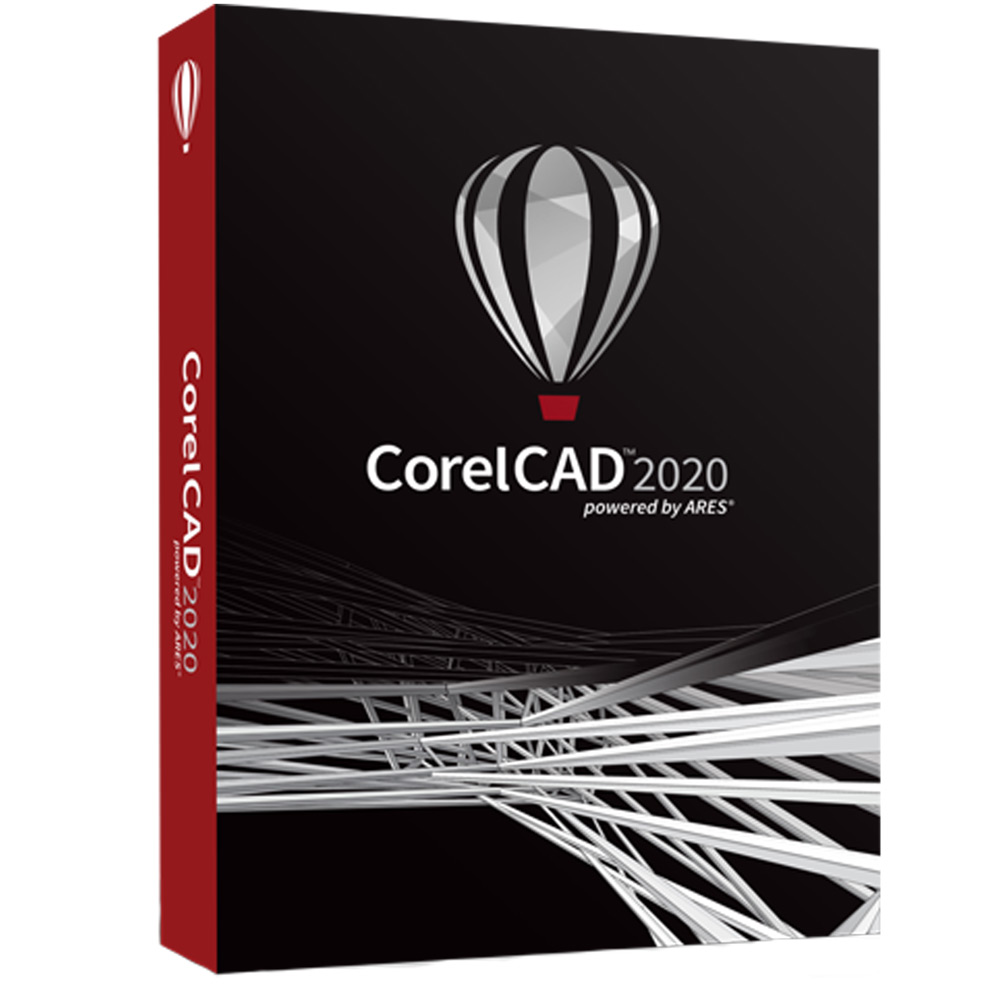
Hover on image to enlarge
CorelCAD 2020
Get your own version of CorelCAD 2020 at the lowest price on our online shop
Upon your successful purchase, you will receive by email:
- The authentic CorelCAD 2020 activation Key
- The full version of CorelCAD 2020 download link
- Instructions and guides on how to install and activate your product
- Free customer support available 7/7
The Benefits of Buying CorelCAD 2020 from us
Guaranteed Authenticity
All our softwares are 100% authentic, directly from official manufacturers.
Warranty
Enjoy peace of mind with our during the product's validity warranty, far beyond the standard 30 days.
Free Installation
Enjoy a free installation service for a hassle-free setup.
24/7 Customer Support
Our dedicated team is available anytime to assist you.
Best Prices
Get the best prices: CAD922.99!
Description
CorelCAD 2020: Overview
CorelCAD 2020 is the ideal solution for design and architecture professionals seeking a powerful and accessible computer-aided design (CAD) software. Designed to optimize workflow, CorelCAD 2020 offers a multitude of innovative features that enable users to create precise and complex drawings with unparalleled ease. Whether you are an architect, engineer, or designer, this software helps you transform your ideas into tangible realities while enhancing collaboration within your team.
- Quickly compare your drawings with the new comparison palette.
- Save time with customizable blocks that adapt to your needs.
- Improve the clarity of your projects with colorful highlighting.
- Work more efficiently with STL file import to modify 3D models.
- Enjoy improved compatibility with AutoCAD for a seamless workflow.
Discover the Revolutionary New Features of CorelCAD 2020
Analyze and Compare Your Drawings with Precision
The new comparison palette allows you to deeply analyze the differences between drawings. With this innovative tool, you can easily identify changes, making it not only easier to update projects but also improving collaboration among your team members. With precise change management, you can work more efficiently and avoid costly errors.
Create Stunning Patterns in Just a Few Clicks
With the enhanced pattern command, creating complex patterns has never been easier. This optimized function allows you to generate architectural and technical patterns quickly and effectively, saving you precious time in your design process. Stop wasting time on repetitive tasks and focus on what matters: creativity and innovation.
Customize Your Projects with Tailored Blocks
The customizable blocks in CorelCAD 2020 significantly reduce drawing time. You can define specific conditions for each block, increasing flexibility and customization in your projects. This feature helps you work according to your own standards and preferences, making each creation unique and suited to your specific needs.
Integrate 3D Models with STL File Import
The STL file import feature is a true asset for CorelCAD 2020 users. Not only can you insert 3D models into your projects, but you can also modify them directly within the interface. This functionality allows you to seamlessly integrate new designs and enhance your existing projects without complications.
Enhance Your Workflow with Optimized Selection Highlighting
Improvements to selection highlighting make visualizing your choices more intuitive and enjoyable. With bright and distinct colors, you can review and edit your drawings with unmatched clarity. This feature is ideal for those looking to refine their designs while avoiding confusion.
Transform Your Ideas into Reality with the Push & Pull Tool
The Push & Pull tool offers you an intuitive way to modify surfaces and 3D solids. Whether working with simple or complex shapes, this tool streamlines the creation process. You will bring your ideas to life more quickly and with remarkable efficiency, making your designs even more innovative.
Organize Your Projects Like Never Before with the Enhanced Layer Palette
The revamped layer palette in CorelCAD 2020 provides total control over organizing your projects. With simplified layer management, you can easily access and manipulate elements of each layer without disrupting your workflow. This functionality enhances the organization of your projects, allowing you to work in a more orderly and efficient manner.
System Requirements
- Operating System: Windows 10 or later
- Processor: Intel or AMD at 2 GHz or higher
- RAM: Minimum 4 GB
- Disk Space: 1 GB of free space required
- Screen Resolution: 1280 x 800 or higher
Frequently Asked Questions
-
What type of support is provided with CorelCAD 2020?
Users benefit from comprehensive technical support, including online resources and email assistance.
-
How to Buy, Download, and Activate CorelCAD 2020?
Once your purchase is complete, you will instantly receive a secure download link and a valid license key via email. Follow the installation instructions, enter your product key, and start using CorelCAD 2020 immediately.



