


Cart is empty
Save 48%
Hover on image to enlarge
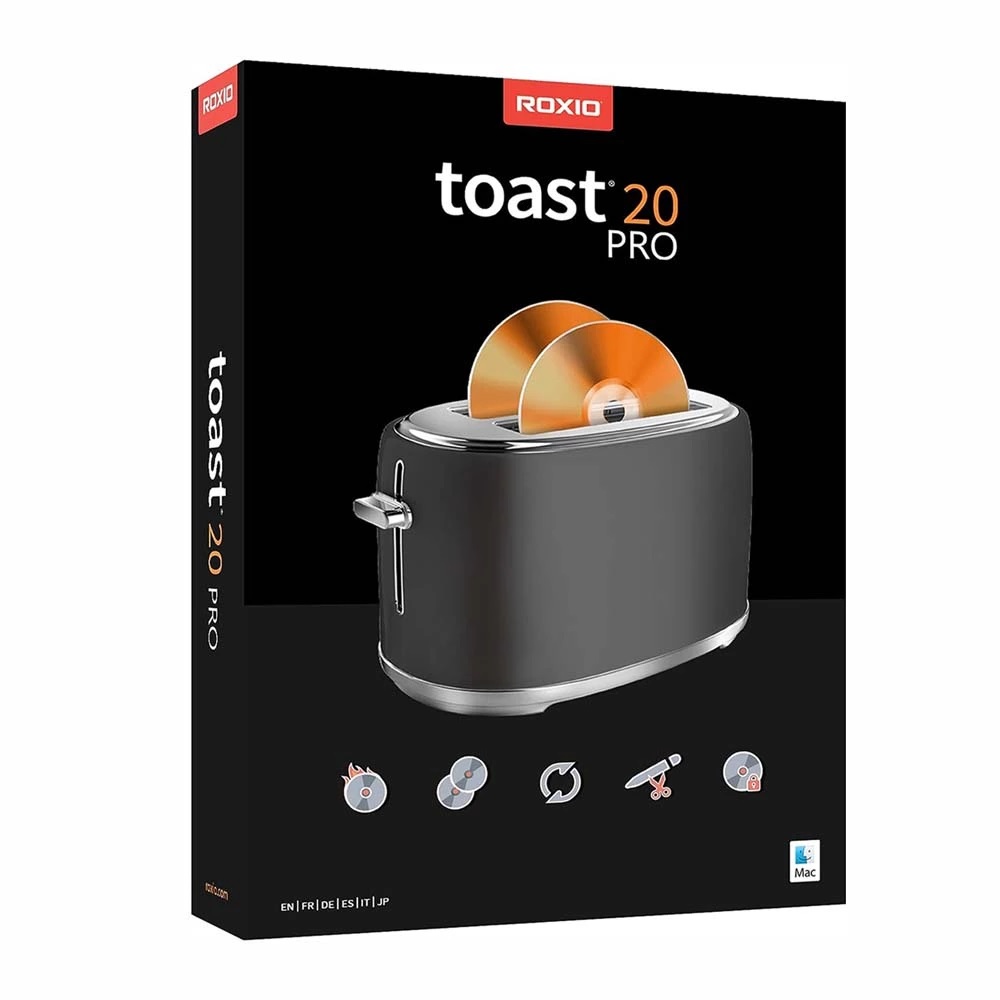
Corel Roxio Toast 20 Titanium Pro
Obtain your own version of Corel Roxio Toast 20 Titanium Pro at the lowest price on our online shop.
After you successfully buy the product, you will receive by email:
- Corel Roxio Toast 20 Titanium Pro lifetime License Key code
- The full version of Corel Roxio Toast 20 Titanium Pro download link
- Instructions and guides on how to install and activate your product
- Free customer support available 7/7
The Benefits of Buying Corel Roxio Toast 20 Titanium Pro from us
Guaranteed Authenticity
All our softwares are 100% authentic, directly from official manufacturers.
Warranty
Enjoy peace of mind with our during the product's validity warranty, far beyond the standard 30 days.
Free Installation
Enjoy a free installation service for a hassle-free setup.
24/7 Customer Support
Our dedicated team is available anytime to assist you.
Best Prices
Get the best prices: CAD111.99 instead of CAD213.99 and save! CAD102!
Description
Corel Roxio Toast 20 Titanium Pro : Overview
Corel Roxio Toast 20 Titanium Pro is a comprehensive digital media suite for Mac, designed to burn, copy, convert, and secure CDs, DVDs, and USB drives. It includes creative tools for photo and video editing, audio production, and disc authoring, offering an all-in-one solution for media management and digital content creation.
- Burn and create discs with customizable menus, chapters, and music tracks
- Copy discs quickly and recover files from damaged media
- Convert media files between popular formats, including DVDs, audio CDs, and digital video/audio
- Record video and audio from screens, webcams, or external devices for tutorials and gaming
- Edit images, videos, and audio with AI-assisted tools and professional effects
- Secure files with AES256 encryption and password protection for discs and USBs
Corel Roxio Toast 20 Titanium Pro Media Suite Overview
Disc Burning and Copying
Toast 20 Titanium Pro allows users to burn photos, videos, audio, and data onto CDs and DVDs with intuitive drag-and-drop functionality. Blu-ray support is included in the Pro edition, providing expanded options for high-definition disc creation.
Media Conversion and Capture
Users can convert media from discs to digital formats or between common digital file types. Audio and video can be imported from legacy sources like LPs, cassettes, and older devices, ensuring content preservation and flexible file management.
Editing and Creative Tools
The suite provides robust editing tools for images, audio, and video. Users can trim video clips, enhance audio recordings, and transform images into digital artwork using AI-assisted features, with additional creative tools exclusive to the Pro version.
Corel Roxio Toast 20 Titanium Pro Advanced Features
Custom Disc Menus and Templates
Personalise discs with custom menus, chapters, and layouts using over 100 Pro templates or create your own using the new template designer, adjusting backgrounds, buttons, music, and more for a fully customised experience.
Data Protection and File Security
Protect your data with AES256 encryption and password-protected discs and USBs. Toast also includes tools for backing up, restoring, and managing files securely, ensuring peace of mind for sensitive or valuable content.
AI-Enhanced Photography and Digital Art
Corel Painter Essentials 8 integration enables AI-assisted digital painting and enhanced photo artistry. Users can apply new brushes, layer controls, and advanced colour management for creating professional-quality digital artworks.
System Requirements
- Operating System: macOS 10.14 (64-bit) or later
- Processor: Apple M1 chip or Intel processor
- RAM: 2 GB recommended
- Disk Space: Approximately 5 GB free for full installation
- DVD Drive: Required for disc installation (digital download available)
- Other Requirements: Internet connection for installation, registration, and updates; registration required for product use
Frequently Asked Questions
-
What types of media can I burn and copy with Corel Roxio Toast 20 Titanium Pro?
Corel Roxio Toast 20 Titanium Pro supports burning and copying of CDs, DVDs, and Blu-ray discs, including photos, videos, audio tracks, and data files. Customisable menus, chapters, and music enhance the disc experience
-
Can Toast 20 Titanium Pro convert files from older media sources like LPs and cassettes?
Yes, Toast 20 Titanium Pro can convert audio and video from legacy formats such as LPs, cassettes, and older media devices into modern digital file types, allowing seamless integration with current workflows
-
How does Toast 20 Titanium Pro help with editing and creative projects?
The suite offers professional editing tools for images, audio, and video, including AI-assisted photo enhancements, video trimming, audio improvements, and creative effects, providing comprehensive media management and artistic creation options
-
How do I download and activate Corel Roxio Toast 20 Titanium Pro?
Once your purchase is complete, you will receive a secure download link and a valid license key by e-mail. Follow the installation instructions, enter your product key and start using Corel Roxio Toast 20 Titanium Pro immediately



