


Cart is empty
Save 31%
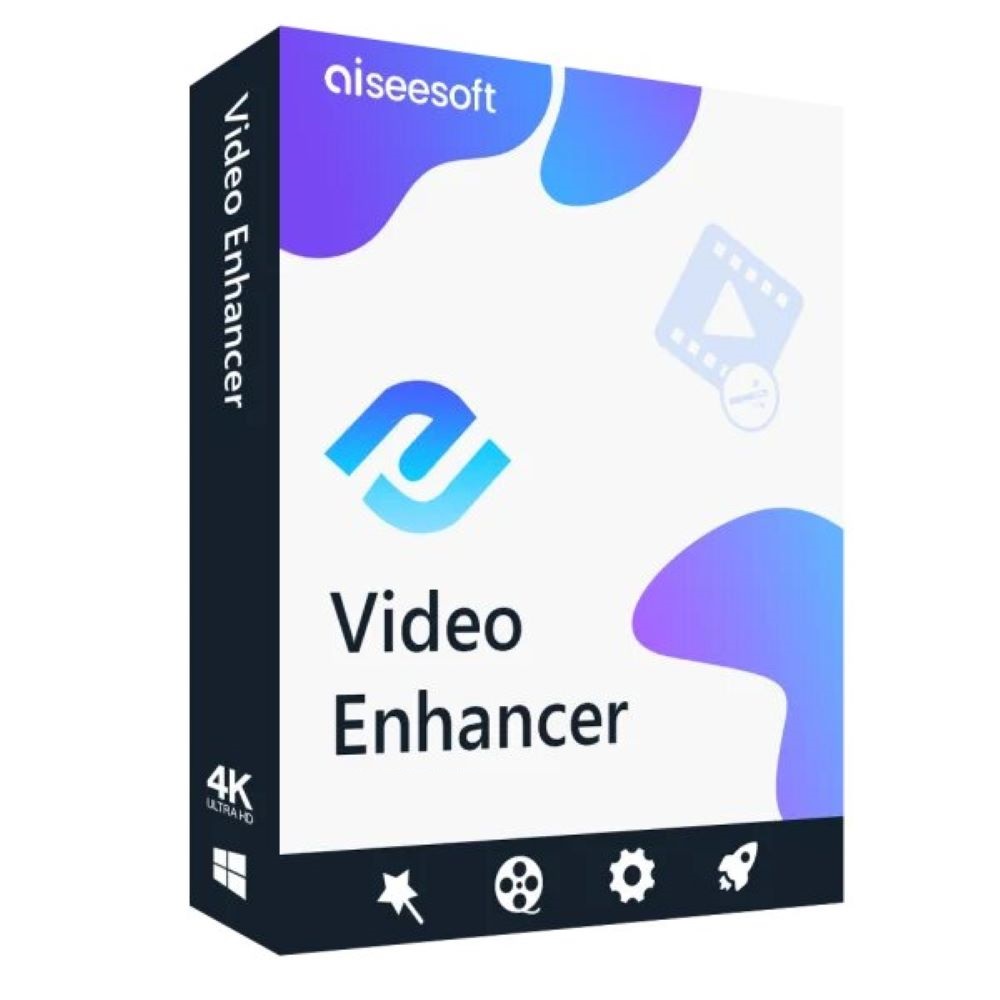
Hover on image to enlarge

Aiseesoft Video Enhancer

Delivery via email
Technical Support
 Free
Free
Free
Activation Key
 Authentic Code
Authentic Code
Download
 Download Link
Download Link
Available Languages
 EN | DE | FR | JP
EN | DE | FR | JP
Platform(s)
 Windows
Windows
Available validity
 Lifetime
Lifetime
Country Zone(s)
 Worldwide
Worldwide
Version
 Full Version
Full Version
The Benefits of Buying Aiseesoft Video Enhancer from us
Guaranteed Authenticity
All our softwares are 100% authentic, directly from official manufacturers.
Warranty
Enjoy peace of mind with our during the product's validity warranty, far beyond the standard 30 days.
Free Installation
Enjoy a free installation service for a hassle-free setup.
24/7 Customer Support
Our dedicated team is available anytime to assist you.
Best Prices
Get the best prices: CAD57.99 instead of CAD83.99 and save! CAD26!
Description
Aiseesoft Video Enhancer: Overview
Aiseesoft Video Enhancer is the leading AI-powered video enhancement software, designed to transform your videos with cutting-edge technology. Whether you're restoring old footage, improving resolution, or refining visual details, this tool delivers professional-grade results effortlessly.
- AI-Powered Enhancement: Upscale resolution, optimize lighting, and remove noise with advanced artificial intelligence.
- All-in-One Editor: Rotate, crop, clip, and watermark videos for a polished finish.
- One-Click Fixes: Instantly improve dark, blurry, or shaky videos with smart stabilization and correction tools.
Transform Your Videos Like Magic with Aiseesoft Video Enhancer
From Blurry to Brilliant: Upscale to Stunning HD or 4K
Don't let low resolution hold your videos back! Watch grainy, pixelated footage transform into razor-sharp HD or ultra-crisp 4K with AI-powered upscaling. Perfect for breathing new life into old home movies, YouTube clips, or professional projects—every frame gets enhanced for theater-worthy quality.
Fix Dark & Dull Videos in One Click
No more squinting at shadowy or washed-out footage! Our smart enhancement automatically adjusts brightness and contrast, revealing hidden details and making colors pop. Turn murky nighttime shots into vivid scenes and overexposed clips into perfectly balanced masterpieces.
Erase Noise & Grain Like It Never Existed
Annoying speckles, fuzz, and distortions ruining your vintage films or shaky recordings? Our AI scrubs away noise while preserving crisp details—so your videos look smooth, clean, and professionally restored.
Hollywood-Level Editing at Your Fingertips
Say Goodbye to Shaky Footage Forever
Shaky videos ruin the moment—but not anymore! Instantly smooth out wobbly handheld clips, action shots, or emergency recordings with pro-grade stabilization. No expensive gear or complex software needed—just silky-smooth playback in seconds.
Flip, Rotate & Reimagine Your Videos
Shoot sideways? No problem. Want a trippy mirror effect? Easy. Rotate misaligned videos in a snap or flip them for creative twists. Perfect for memes, artistic projects, or fixing that upside-down vacation clip!
Quick-Edit Tools for Perfect Videos Every Time
- Clip: Cut the fluff and merge highlights effortlessly—ideal for TikTok, reels, or presentations.
- Adjust: Make colors pop and audio crisp with sliders for brightness, saturation, and volume.
- Crop: Ditch black bars or zoom in on the action for social-ready framing.
- Watermark: Brand your work or protect it with custom text/logos—because your content deserves credit.
How to Use Aiseesoft Video Enhancer
Step 1: Import Your Video
Launch the software and click "Add Files" to upload your video. Supports all major formats (MP4, AVI, MOV, etc.).
Step 2: Apply Enhancements
Select AI options like resolution upscaling, noise removal, or stabilization. Enable all for optimal results.
Step 3: Export & Save
Choose your output format (e.g., MP4 for 4K) and click "Convert" to process. Save the enhanced video to your preferred location.
System Requirements
- OS: Windows 7/8/10/11, XP, or Vista (64-bit recommended).
- RAM: Minimum 1 GB (4 GB recommended for 4K processing).
- Storage: 1.5 GB free space for installation.
- Display: 1024x768 resolution or higher.
Frequently Asked Questions
-
Can Aiseesoft Video Enhancer restore severely degraded videos?
Yes! The AI tools can significantly improve old, noisy, or low-resolution videos, though results depend on the original quality.
-
Does it support batch processing?
Absolutely. Enhance multiple videos simultaneously to save time.
-
Is there a mobile version available?
Currently, the software is only for Windows PCs.
-
How to download and activate Aiseesoft Video Enhancer?
Once your purchase is complete, you'll receive a secure download link and a valid license key by e-mail. Follow the installation instructions, enter your product key and start using Aiseesoft Video Enhancer immediately.



