


Cart is empty
Save 36%
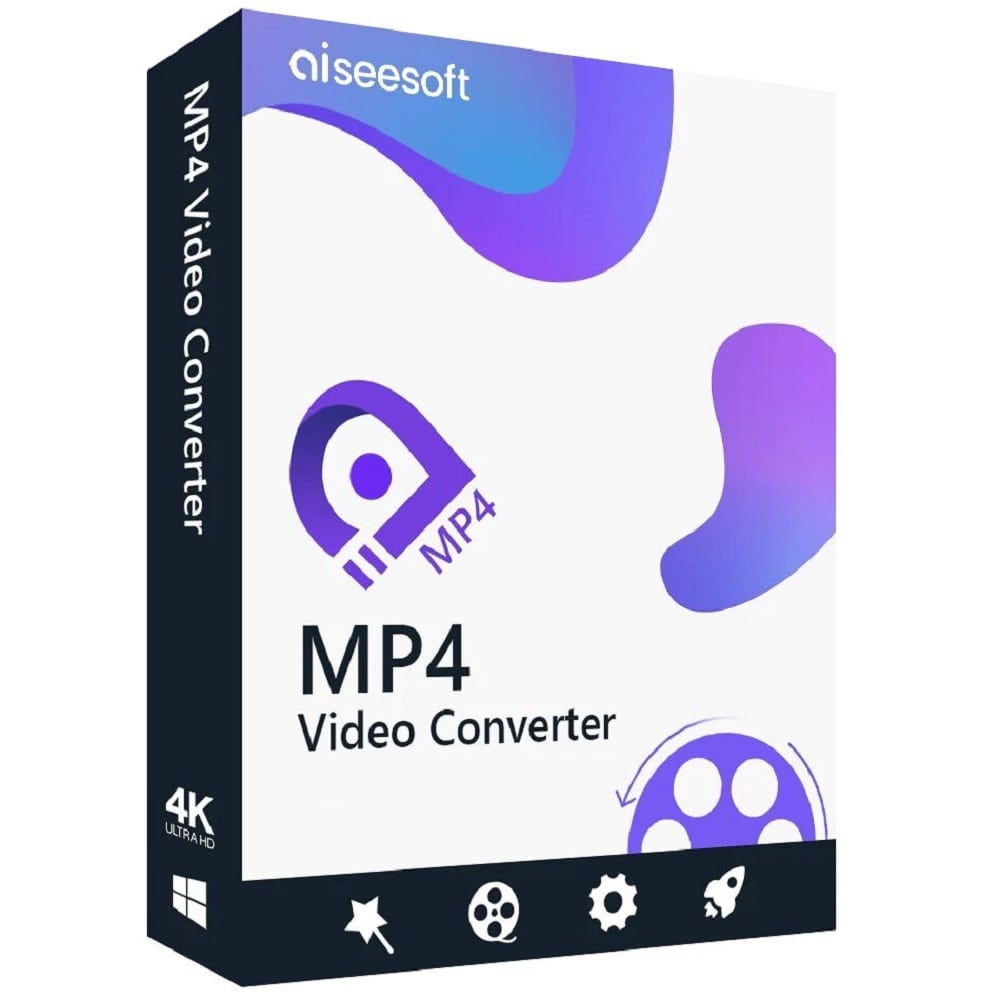
Hover on image to enlarge

Aiseesoft MP4 Video Converter

Delivery via email
Technical Support
 Free
Free
Free
Activation Key
 Authentic Code
Authentic Code
Download
 Download Link
Download Link
Available Languages
 EN | DE | FR | JP
EN | DE | FR | JP
Platform(s)
 Windows |
Available validities
 Lifetime
Lifetime
Country Zone(s)
 Worldwide
Worldwide
Version
 Full Version
Full Version
The Benefits of Buying Aiseesoft MP4 Video Converter from us
Guaranteed Authenticity
All our softwares are 100% authentic, directly from official manufacturers.
Warranty
Enjoy peace of mind with our during the product's validity warranty, far beyond the standard 30 days.
Free Installation
Enjoy a free installation service for a hassle-free setup.
24/7 Customer Support
Our dedicated team is available anytime to assist you.
Best Prices
Get the best prices: CAD62.99 instead of CAD97.99 and save! CAD35!
Description
Aiseesoft MP4 Video Converter: Overview
Aiseesoft MP4 Video Converter is the ultimate solution for converting videos to the widely compatible MP4 format, perfect for smartphones, tablets, and social media platforms. With advanced editing tools and high-speed conversion, it ensures seamless file transformation for any need.
- Convert videos to 4K MP4 for optimal compatibility.
- Extract audio from videos in multiple formats (MP3, FLAC, WAV, etc.).
- Batch conversion for processing multiple files at once.
- Advanced editing tools (cropping, effects, watermarking, 3D adjustments).
- Device-specific presets for iPhone, Samsung, PlayStation, and more.
Convert Any Video to MP4 in Stunning 4K Quality with Aiseesoft MP4 Video Converter
Effortless Conversion – Preserve Quality Every Time
Aiseesoft MP4 Converter supports 300+ formats, including WMV, MOV, MKV, and FLV, converting them to MP4 without quality loss. Choose from HD MPEG-4 or H.264/AVC encoding for platforms like YouTube, Instagram, or Facebook. The intuitive interface ensures effortless conversions, even for beginners.
Rip Audio from Videos – Save as MP3, FLAC & More
Beyond video conversion, extract audio in MP3, AAC, WAV, or lossless FLAC with a single click. Ideal for creating soundtracks or podcasts. The tool also converts between audio formats (e.g., WMA to MP3) while preserving metadata.
Play Anywhere – Optimized for All Devices
Pre-optimized profiles for iPhone, iPad, Samsung, PlayStation, and more eliminate guesswork. Select your device, and the converter adjusts resolution and bitrate automatically for flawless playback.
Hollywood-Grade Editing at Your Fingertips
Pro-Level Tweaks – Crop, Rotate & Enhance in Seconds
Rotate, crop, or add watermarks to videos effortlessly. Adjust brightness, contrast, and saturation for enhanced visuals. The deinterlacing feature upgrades interlaced videos to smoother progressive scans.
Create Cinematic Magic – Merge Clips & Add 3D Effects
Combine multiple clips into one MP4 file or apply cinematic 3D effects. The timeline preview lets you fine-tune edits before conversion.
See Results Instantly – Preview & Capture Perfect Frames
Preview changes instantly and capture still images from videos during playback. Perfect for creating thumbnails or preserving key moments.
System Requirements
- Supported OS: Windows 11/10/8.1/8/7/XP (SP2+)
- CPU : 1GHz Intel/AMD or higher
- RAM : 1GB+
- GPU : NVIDIA CUDA/AMD APP supported (for accelerated conversion)
Frequently Asked Questions
-
Can I convert videos to MP4 for free?
Aiseesoft offers a free trial with limited features. The full version unlocks batch conversion, editing tools, and 4K output.
-
Does it support Mac operating systems?
No, this version is Windows-only. Aiseesoft provides separate Mac-compatible software.
-
How fast is the conversion process?
With GPU acceleration (NVIDIA/AMD), conversions are 30x faster than standard tools. Speed varies by file size and hardware.
-
How do I download and activate Aiseesoft MP4 Video Converter?
Once you have completed your purchase, you will receive a secure download link and a valid license key by e-mail. Follow the installation instructions, enter your product key and start using Aiseesoft MP4 Video Converter immediately.



